How to Create an Artist’s Mood Board
A Simple Guide with Examples
One of my objects of lust in the creative process is a great mood board. You know the kind — that live on designers’ walls, effortlessly edited. Like all of these beautiful artifacts just fell into place and created a whole new world to live in.
Yes. That is what we’re after in this post. A simple guide for how to create beautiful mood boards. We’re also going to make this process totally realistic and accessible. So instead of a fabulous wall, we’re using Canva as our mood board making tool.
ONE
Mood Board Intention
What do you want your mood board to inform?
This can be a specific creative project — a studio update, a design project, a new body of work. Or, it can be just a general vibe.
NOTE: I’m gathering inspiration for a new painting series, so my mood boards will be about that.TWO
Mood Board Content
Where do people find these cool, beautiful bits?
A regular part of my morning routine is looking all over the internet for objects that inspire. Whenever I run into something, I take a screenshot. Then I dump them all into a seasonal folder.
I notice there are patterns that emerge in the things that I like… and those are clues to the direction my creative work (in my case painting and now creative writing) wants to go.
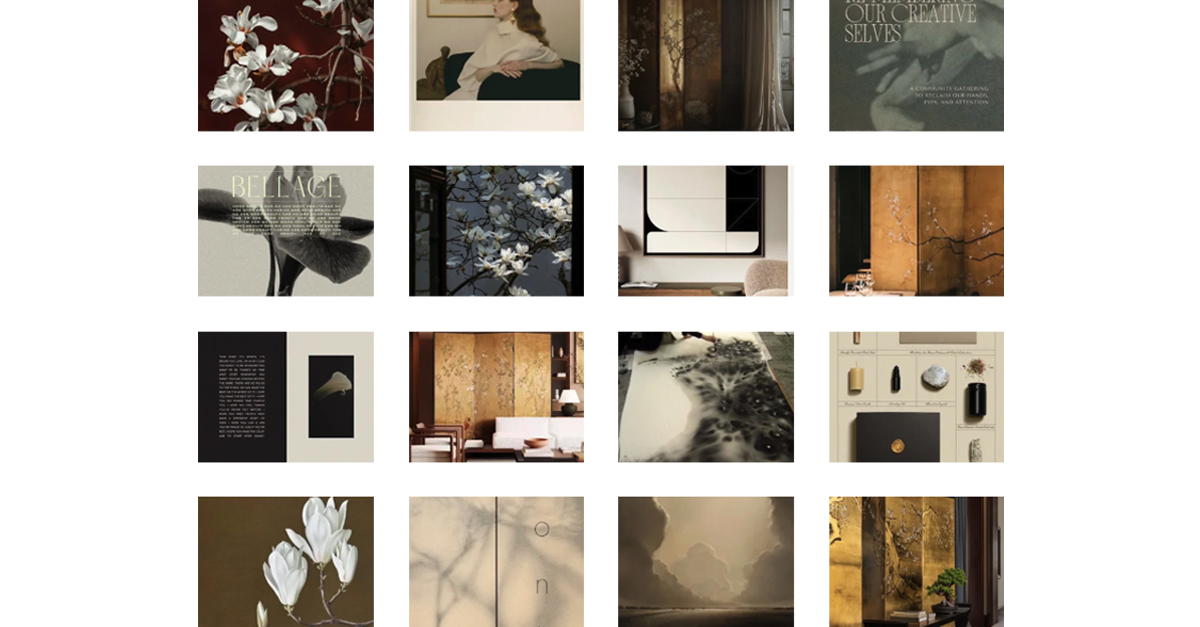
NOTE: These are screenshots from the past couple weeks. Currently obsessed with gold, florals, byobu, shadows, and black on cream.THREE
Mood Board Templates
How do you want your mood board to look?
I think Canva is a great creative process tool. But, there are a plethora of templates to choose from and I can get lost for hours in them! So I curated my top three mood board templates for you.
One | Two | Three
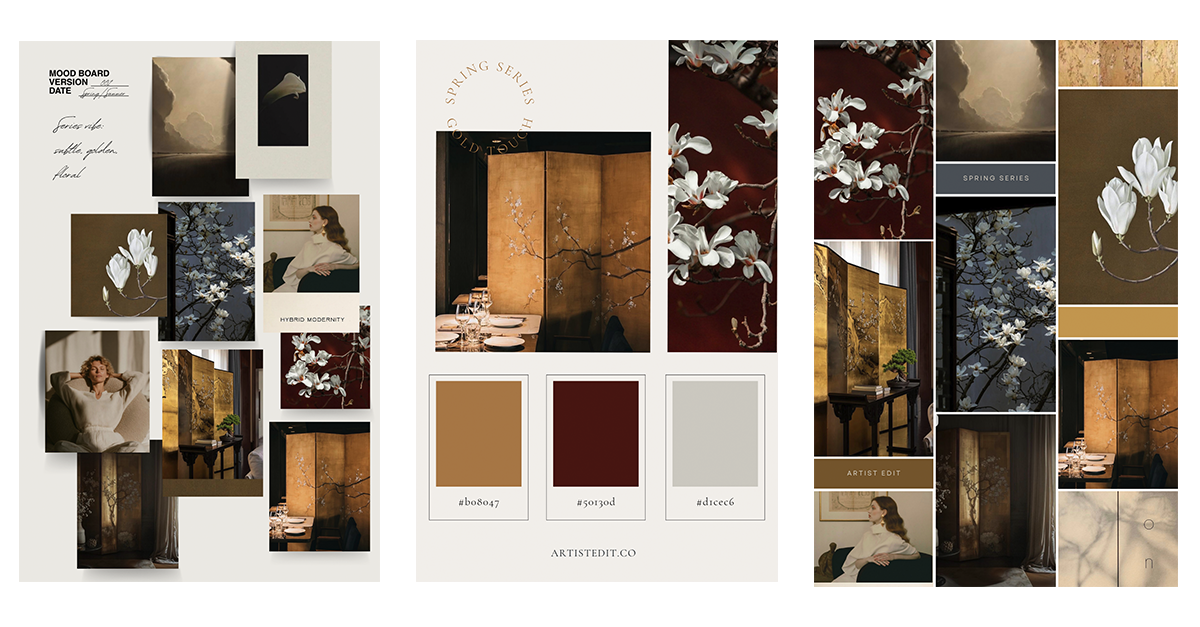
NOTE: As proof of concept, I created three different mood boards using the same source materials, just to see how each turned out.
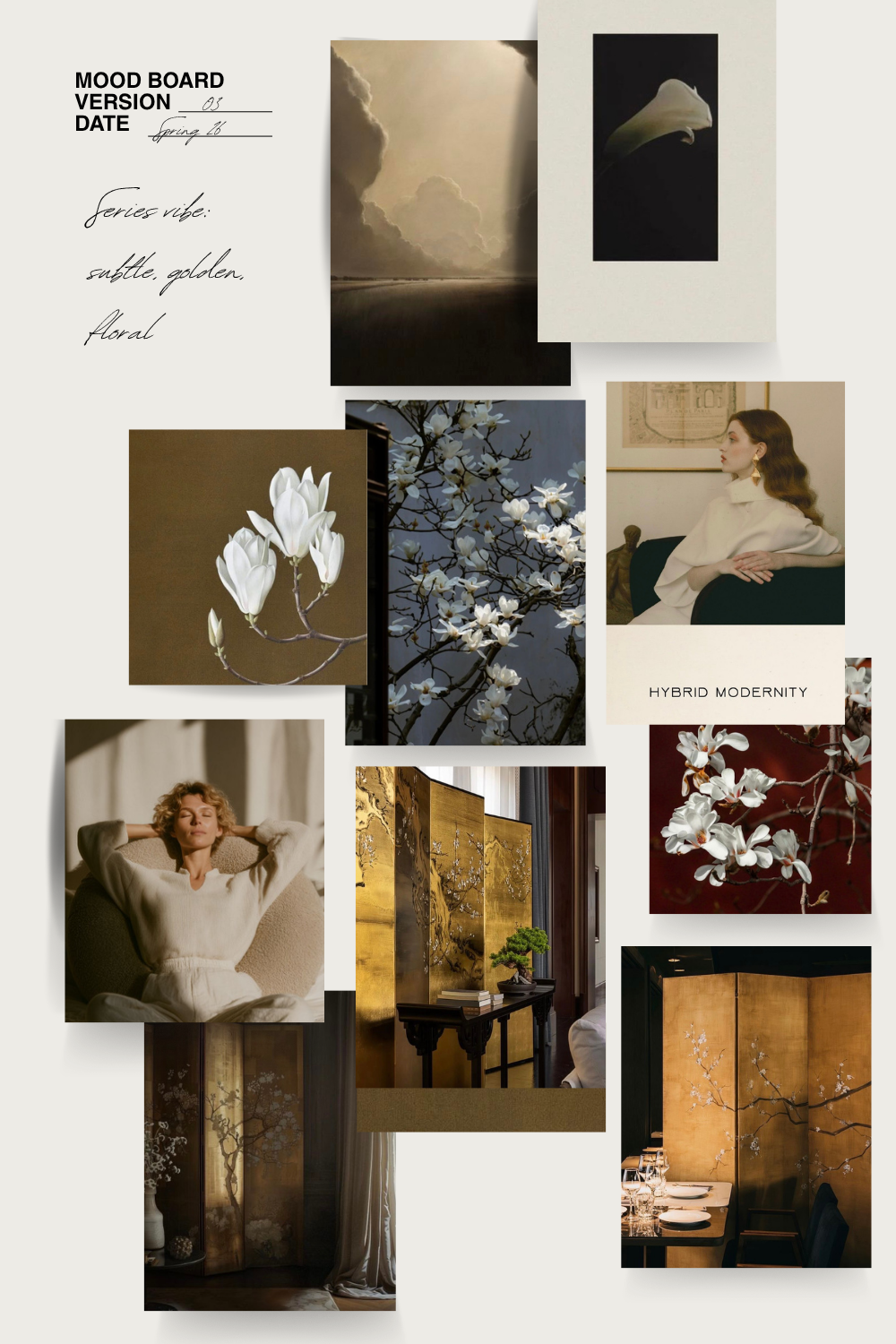
Mood One
Lay them all out on the table. This is a nice alternative to the designer’s wall vibe.
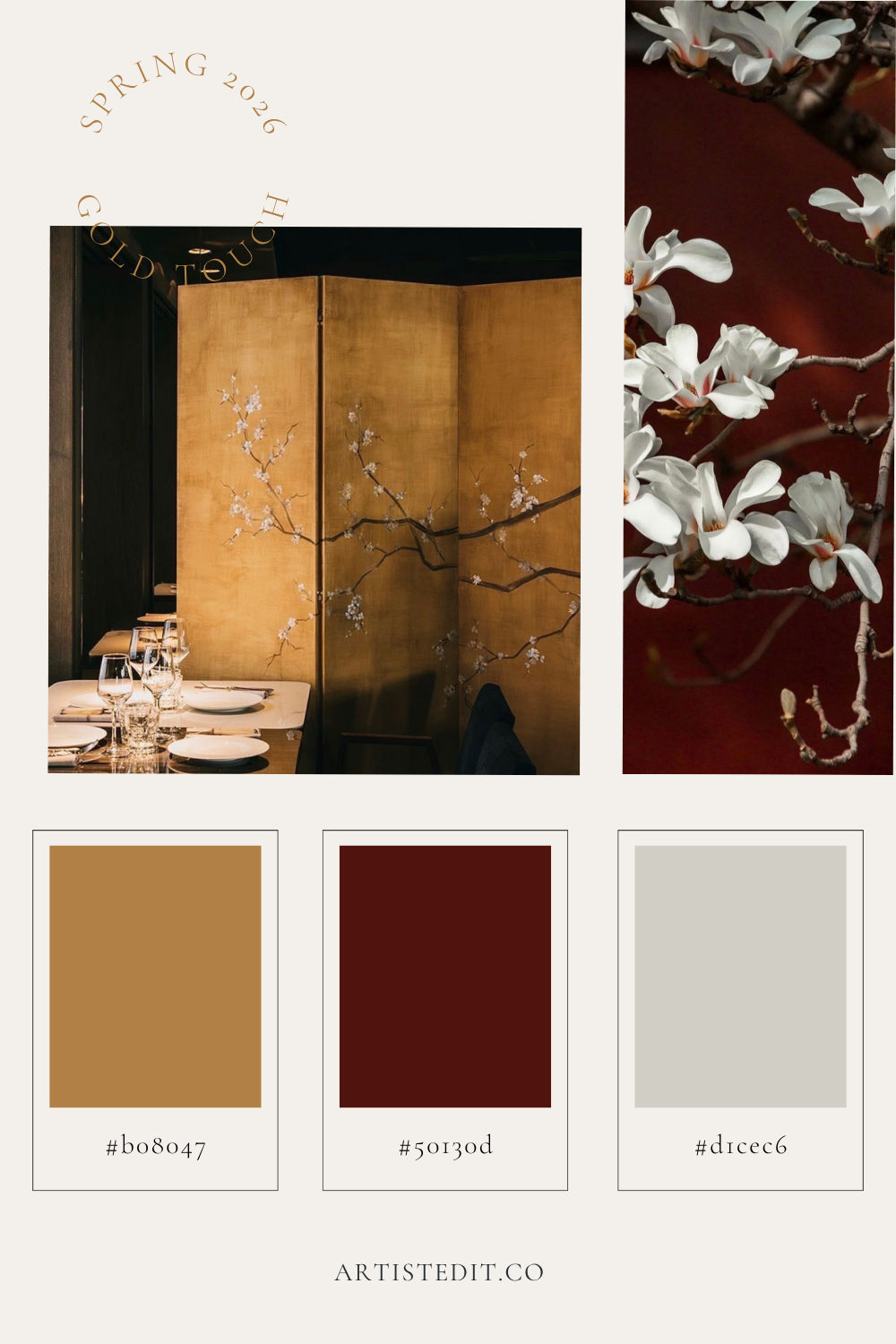
Mood Two
Distill down to the essentials. Perfect for printing out as a painting reference.
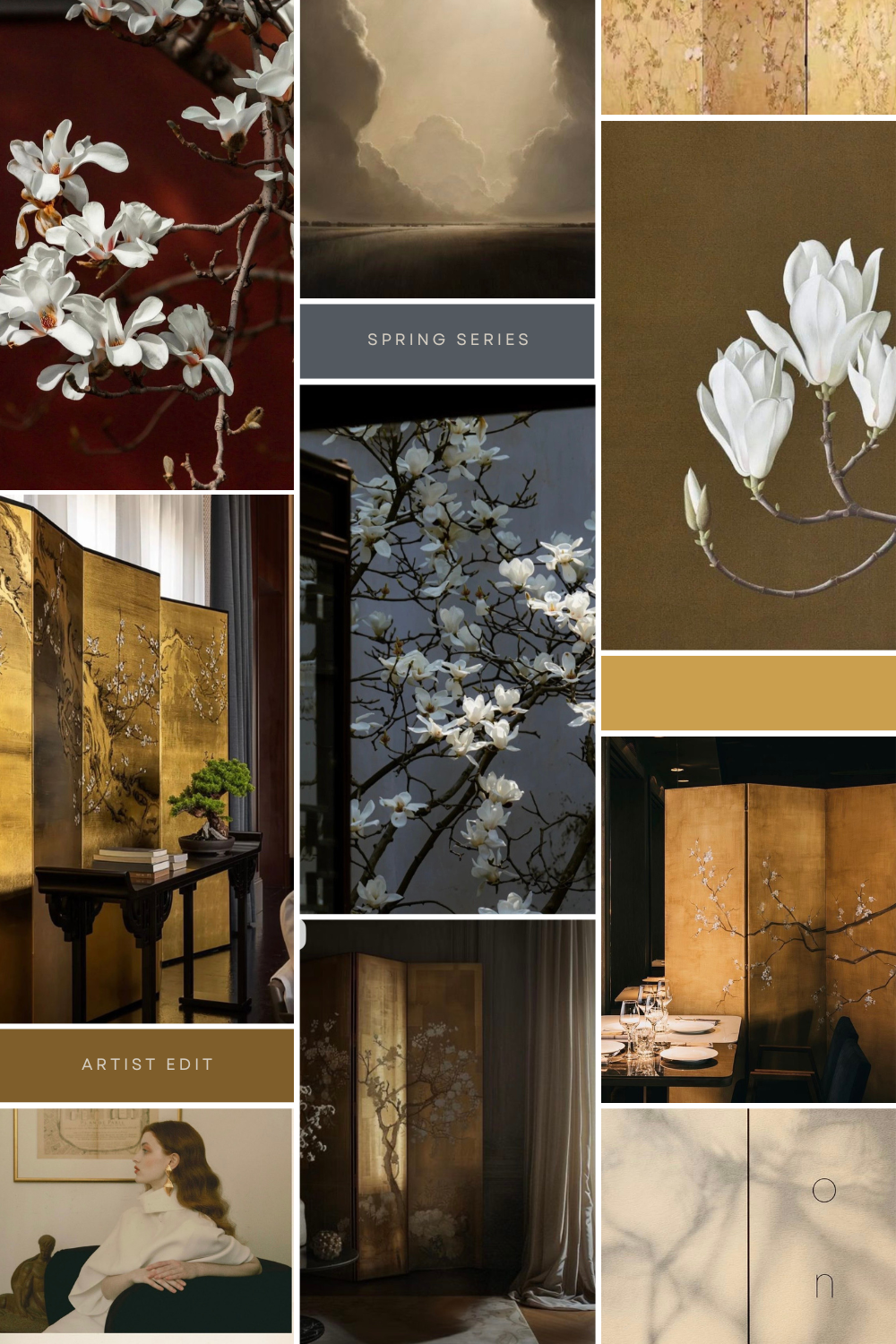
Mood Three
Curate and color coordinate. Notice how images connect, edit out what doesn’t belong.
NOTE: Some of these are pro templates on Canva. I recommend starting with a free month-long trial. You can keep any of the project you started, even using pro templates.Now what?
For a mood board to do it’s job, and actually inform the creative process I suggest either printing it out, or putting it somewhere you revisit throughout your day. Set it as your phone or desktop wallpaper, print it out and put it in your studio.
Live with the mood… and it will start to become alive in your creative practice.
My current creative question is how to turn inspiration into something tangible? I feel like the practice of making mood boards is a great step in that process.
Do you have any templates you love? Let me know! — xo. Jess